Portal for engaging all your counterparties – in Microsoft 365
Single workspace for clients, suppliers, dealers, and partners. Documents, contracts, licenses, proposals with e-signature – each counterparty sees only their own. Portal under your brand and domain. Data stays in your Microsoft 365.
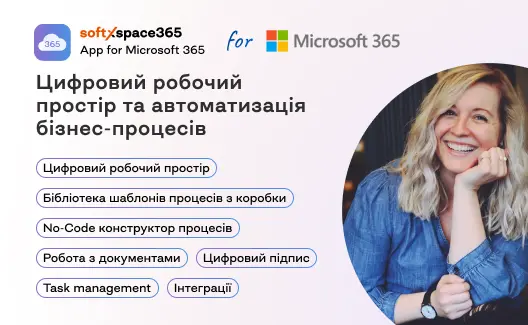
Product overview
5 minutes
Via email
While your clients write emails – your manager hunts for files in Outlook
Managers spend hours each day forwarding contracts, acts, license keys and answering the same question – "where is my document?". Counterparties have no single place to see all their collaboration with you, so they email again. softXspace365.ClientPortal solves this in a week – counterparty logs in and sees their documents, contracts, licenses and proposals. No manager needed.
Trusted by Companies Across Industries
Over 300 companies use softXspace products to manage documents, contracts, and business processes in Microsoft 365. softXspace365.ClientPortal extends this trusted ecosystem to external counterparties – clients, suppliers, partners and contractors.
One Portal – for Every Type of External Partner
-

Clients and Customers
softXspace365 family for Microsoft 365 gives clients and customers access to contracts, acts, invoices, license keys and service hours. Clients find their own documents, check subscription expiry dates, and download acts – without waiting for the manager or searching through email.
-
Suppliers and Contractors
Document exchange, delivery notes, specifications and tender documentation. Supplier sees the status of their contract approval, downloads signed copies, submits documents for payment – all in one workspace.
-
Dealers and Resellers
Price catalog, partner terms, commissions, marketing materials. Dealer sees their sales metrics, downloads the latest price list, gets notifications about new products – no separate email chains with the manager.
-

Partners and Integrators
Partners see their projects, support tickets, service hours, and contacts in one place – not scattered across email threads.
-
Candidates and HR Contractors
Document exchange with recruitment agencies, job candidates, external HR consultants. Secure exchange of resumes, NDAs, test results – no forwarding confidential files by email.
-

Any External Partner
The portal is not limited to counterparty type. Legal firms, auditors, consultants, logistics operators – anyone who regularly exchanges documents with you gets their own secure workspace. Roles and visibility are configured separately for each type.


Everything Your Counterparties Access from Day One
-
Paperless Collaboration
Counterparty uploads and views their documents with categories: contracts, acts, invoices, specifications, other. Files are stored in your SharePoint Online; the portal shows only what belongs to each counterparty. Access check happens on every request.
-
Contracts Online
Active contracts, amendments, completion acts. Search by number, filter by status, view and download. Counterparty always sees the latest version – not the one sitting in the manager's inbox from 2022.
-
Commercial Proposals with E-signature
View, comment, and sign proposals directly in the browser – status updates instantly in CRM. The proposal signing cycle shrinks from weeks to hours.
-
Procurement Processes and Accreditation
RFQ/RFP through the portal, accreditation forms with document uploads, verification status tracking. Supplier completes the entire process in one workspace – no rounds of emails or Excel sheets between your procurement team and the supplier.
-
Licenses and Subscriptions
Track active licenses by key, seat count, and expiry date – renewal reminders sent automatically. Counterparty sees their own keys – no more lost emails to the manager asking "send me my license key".
-
Service and Support
Service hours with a usage progress bar, support tickets with statuses (open / resolved / in progress), and a button to create new requests through the portal. Client controls their support budget and sees progress – manager gets fewer inquiries.
-
Document Generation on the Fly
Counterparty creates requests, orders, specifications directly in the portal – using a built-in template builder. Fill in the form – get a ready PDF or Word in the correct format. No manager involvement, no email template sharing.
-
Team and Contacts
Counterparty sees their account manager and your project team – names, titles, contacts. Sees who from their side has portal access. No more "who should I write to?" – the answer is always on one page.
-
Announcements and FAQ
Administrator publishes news, announcements about changes, instructions and FAQ directly in the portal. Counterparty sees current information after login – no mass email newsletters.
-
White-label Customization
Logo, primary color, accent color, favicon, domain portal.yourcompany.com, custom login page. Each counterparty sees your brand. Configured through the admin panel – no code changes, no developer requests.
-
Multilingual Interface
English, Ukrainian, Polish, German out of the box. Counterparty chooses their language – preference is saved. For international companies with counterparties from different countries – one portal, multiple language versions. Adding a new language – no code changes.
-
Admin Panel in softXspace365
Manager lives in the familiar softXspace365 interface, not in two systems. Grant counterparty access, configure visible sections, publish announcements – all from the same system where deals, contacts and documents are managed.
-
Flexible Roles and Access Control
Each counterparty type sees only what they need: client sees contracts and licenses, supplier sees acts and tender documentation, partner sees commissions and project files. Access is configured separately for each role.
-
Security and Data Isolation
Each counterparty technically cannot see another's data – even with valid login. Access check happens on every data request. Audit of all actions: who logged in, what they viewed, what they downloaded. Data stays in your Microsoft 365.
Integrations – Microsoft 365, softXspace ecosystem, external systems
-
Microsoft 365
SharePoint Online stores your documents, Outlook delivers notifications, Teams keeps communication with counterparties – all without leaving Microsoft 365. Power Automate triggers workflows, Power BI surfaces counterparty analytics. Manager continues working in the familiar environment.
-
softXspace365.CRM and other ecosystem modules
CRM data (deals, proposals, contacts) automatically appears in the portal. Contract for contracts, Procurement for procurement – the portal shows only the counterparty's portion. No separate integration setup needed – data is already in one space.
-
Qualified Electronic Signature (QES)
DocuSign, Adobe Sign and providers listed on the EU Trust List – legally binding under eIDAS (as amended by Regulation 2024/1183) in the EU/UK and under ESIGN Act + UETA in the US. Sign proposals and contracts directly from the counterparty workspace.
-
E-Document Management
Integration with e-invoicing platforms and accounting systems – signed acts, invoices, and tax documents surface in the counterparty workspace automatically. Full audit trail of every document exchange. REST API covers any system not natively supported.
-
Document Generation (eddyDOCS)
Built-in template builder – counterparty creates requests, orders, specifications in the correct format. Templates stored in your SharePoint Online. Counterparty fills the form – gets a ready PDF or Word file.
-
Open API
REST API for integration with any external system – Microsoft Dynamics 365, SAP, Salesforce, NetSuite, or custom ERP. Webhook events for automation: new document, signed proposal, ticket status changed. Everything available in the UI – accessible via API.
Why softXspace365.ClientPortal
-
Manager freed from forwarding routine
Today: counterparty asks "send the February act", manager searches email, forwards, counterparty can't find it – asks again. With ClientPortal: counterparty logs in and sees all their documents, acts, invoices. Manager stops the forwarding loop – document turnaround drops from days to minutes.
-
Document Signing – Hours, Not Weeks
Proposal goes to Outlook, then forward to the internal approver, then gets lost, then reminder. With the portal: counterparty views the proposal in the browser, signs with one click, status updates in CRM the moment they click sign. Signing shrinks from 2–4 weeks to hours.
-
Data – in Your Microsoft 365, Not on a Portal Server
Your SharePoint stores the files, your CRM stores the counterparty data. The portal only surfaces each counterparty's own portion. No data duplication, no third-party databases, no new security risks.
-
Counterparty Does Not Need Microsoft 365 Licenses
To give a counterparty direct access to SharePoint or Teams, you need separate licenses or guest access with security risks. ClientPortal solves this: counterparty creates an account, logs in – no Microsoft licenses, no guest access.
-
One Portal for All Counterparty Types
Clients see contracts and licenses. Suppliers see acts and tender documentation. Dealers see prices and commissions. Candidates see NDAs and test results. Each counterparty type sees exactly what they need. One portal – zero overlap, zero confusion.
-
Portal Under Your Brand
Counterparty sees your logo, your colors, your domain. Not the vendor's brand, not a generic interface. Counterparty's trust is in you, not a third-party service. Configured in the admin panel in under an hour – no developer, no ticket, no waiting.
Why Microsoft 365 – the Right Foundation for a Counterparty Portal
-
Your Data Is Already There
Contracts, acts, licenses – already stored in SharePoint Online and your CRM. The portal only opens counterparty access to their portion. No migrations, no new databases, no ETL processes.
-
One Security Layer for Everything
Counterparty data is protected the same way as your corporate email: Microsoft Entra ID (formerly Azure AD), MFA, DLP, encryption. ISO 27001-aligned, SOC 2 Type II, EU GDPR and UK GDPR – already covered by your Microsoft 365 subscription. softXspace365.ClientPortal inherits these certifications – plus eIDAS (as amended by Regulation 2024/1183) for legally binding e-signatures across the EU and UK.
-
Fewer Subscriptions – Lower Costs
A separate portal SaaS is another vendor, another contract, another database where you send customer data. softXspace365.ClientPortal runs on the infrastructure you already have.
-
A Platform That Grows With You
Start with 30 counterparties – scale to 1,000 with no architecture changes. Fixed tenant pricing means cost does not grow with counterparty volume. Up and running in 1 day via Microsoft Marketplace; custom integrations are priced individually.
-
Access From Anywhere
Portal works in any browser – desktop, tablet, phone. Counterparty on the go downloads an invoice, checks contract status, signs a proposal from their smartphone – just like from an office laptop. No separate mobile app.
-
A Platform That Won't Disappear
430+ million Microsoft 365 business users worldwide; the platform is the productivity backbone for the majority of Fortune 500 companies. Your counterparty portal runs on the same ecosystem that evolves faster than any standalone portal vendor.
See What Your Counterparties' Workspace Looks Like
Book a 30-minute demo of softXspace365.ClientPortal. We will show you how the workspace looks under your brand, how the counterparty sees their documents, how proposal signing works – and answer specific questions about your Microsoft 365 environment. Deploy in a week. No data migration, no new vendor contracts, no IT project. First counterparty logs in within days of kickoff.
Our Clients
One of the largest exporters of crude oil and by-products of sunflower processing from Ukraine
Ukrainian Commercial Bank
One of the largest manufacturers, processors and traders of agricultural products
One of the largest commercial banks with Ukrainian capital operating on the domestic financial market
TOP-3 among pork producers in Ukraine

Local self-government body
One of the leaders in the banking system of Ukraine

Local self-government body
Development, manufacture, installation and maintenance of equipment for the gas industry
World's leading sunflower oil producer and Ukraine's top agricultural exporter
Local self-government body

Local self-government body

Local self-government body
Ranks second in the TOP-20 most reliable banks in Ukraine
World’s leading steel company
Part of the Procredit Holding AG group of companies (Germany)
The first internal IT service center in the public sector of Ukraine

Local self-government body
The largest Greek bank with 4.5 million customers, named Best Bank in Greece 2025
What's New?

How to Archive a SharePoint Site Without Losing the Rules
How to archive a SharePoint site: what Microsoft 365 Archive does, the four options available, and why retention is a separate decision from storage.

Document Lifecycle Management: Six Stages, One Owner Each
Document lifecycle management explained: the six stages a document passes through, who owns each one, and where handovers between them usually break.

Document Version Control: Rules That Survive Real Work
Document version control explained: why file names fail, what check-out and a version history actually give you, and how to keep one authoritative copy.

How to Write a Document Retention Policy That Holds
How to write a document retention policy: what goes in it, how long to keep things, who signs disposal, and the mistakes that make a policy unusable.
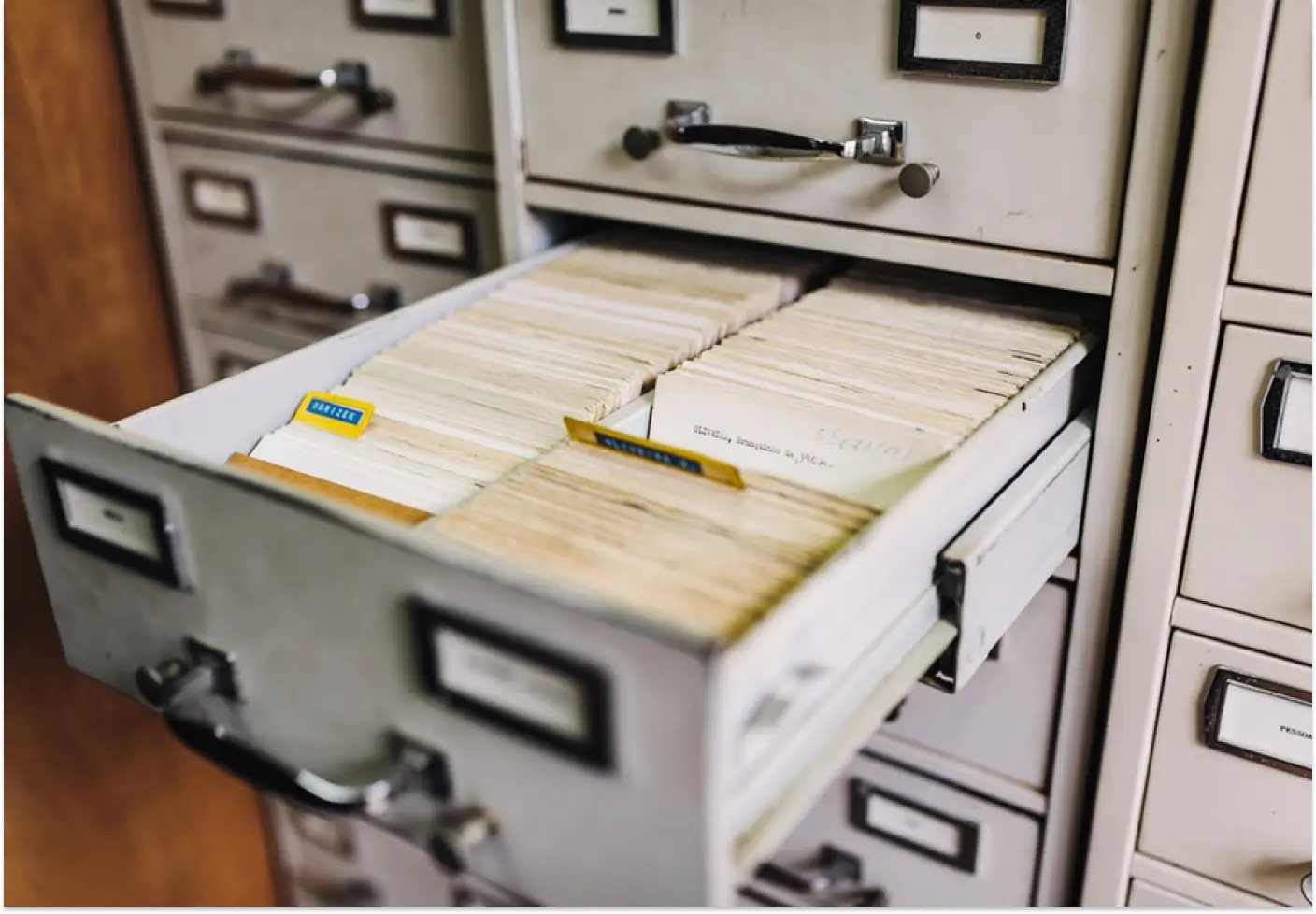
What Is Document Archiving? File Plans, Terms, Disposal
Document archiving explained: what it is, how it differs from document management, and what a document archiving system has to do with terms and disposal.
Digital HR Document Management for the Largest Retail Chain
How the largest Ukrainian retail chain Avrora digitized HR document workflows with softXspace – QES, ERP integration, 1300+ stores.
Banking Processing Automation and Centralisation
Streamline your banking operations with soft Xpansion's Low-Code/No-Code solutions. Manage documents, automate lending processes, optimize board meetings, and centralize data storage with eArchive and Back Office modules.
Document Management on a modern Low-Code/No-Code platform
Low-Code/No-Code platform for enterprise process automation offering solutions like contract management, document handling, centralized eArchive, B2B collaboration, and integration with CRM, ERP, and other services. Features include automated workflows, template-based document creation, and digital signatures