Document archiving software
Eliminate the problems of a paper archive and automate archiving end to end: retention terms for every case, destruction and transfer reports signed on time, and a full log of who opened what. Deploy on your own servers or in Azure in your region.
- A retention term on every case, set by the file plan
- Destruction and transfer with reports signed on time
- On your own servers or in Azure in your region
Setting up an electronic archive
A structured, safe store for legal, project, technical and client documents, each case with its own file plan and retention schedule. Full-text search across any format, and far less spent on keeping the paper archive.
Establishing electronic and paper documents archive storing
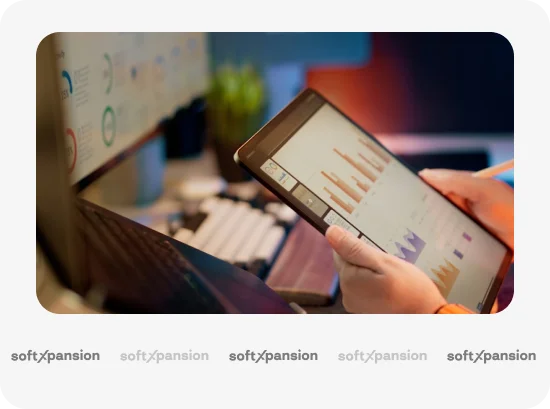
Our solutions allow you to establish the organization's electronic archive within the general document management business processes. You will be able to easily manage archival storage documents, build an archive of HR documents and a personnel archive, and create the storage of accounting documents, client files, technical documentation, and other company archival documents. Our systems support integration with a company's external systems and significantly minimize the costs of maintaining a paper archive, while cryptographic data protection and the ability to cloud store documents or by the organization's server eliminate the risk of losing or corrupting electronic documents. Authorized and secure access to the requested archival documents can be obtained from anywhere and anytime. The archive itself runs on softXspace.Archive, our electronic document archive.
Three layers sit on top of that storage, and they are separate decisions. The terms, the file plan and the disposal evidence are records management software. Where the documents live in Microsoft 365, the same rules run through SharePoint archiving. The store itself is the electronic document archive module, and how to write a retention policy is where most projects actually begin.
Complex automation of workflow and archiving
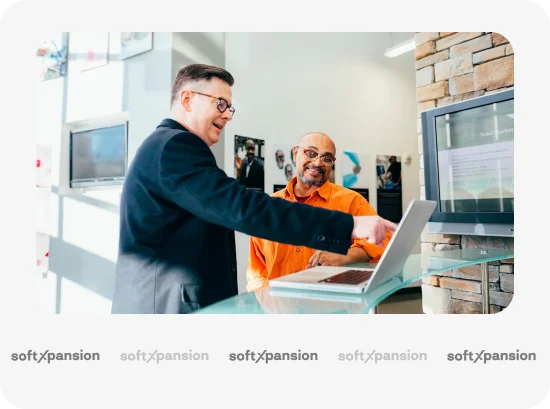
Optimize and automate all processes related to record-keeping, maintenance, and transfer of archive documents: archive structure creation, modeling and maintenance of a consolidated case nomenclature or structural divisions, approving and signing of the nomenclature, document transfer to the archive, management of transitional cases, issuance of documents and cases for temporary use, document destruction, search for documents by details and report generation, creation of descriptions, acts, printed forms of documents displaying information about their electronic type of signature, etc. Our solutions help archivists with managing archival documents – from the moment of receipt to the time of the expiration of the storage period, in reference to the approved company rules. All that will provide easiness and efficiency to the archival department, also reduce the time spent working on archival documents, and minimize financial costs
Archive of client cases and transactions
Implementing the digital archive of client cases will provide a centralized store of clients’ electronic and scanned documents. The access to customer information of your branches and regional offices employees will help to centralize the company’s operation, reduce financial and management costs on maintaining the paper archive, and minimize risks of document loss or damage thanks to the creation of backup copies. In addition, all employees will get the possibility of having access to client cases at any convenient time and from any device, and the possibility of signing documents by electronic signatures, while the secure storage of documents will allow you to avoid leakage of confidential data
Company Knowledge base
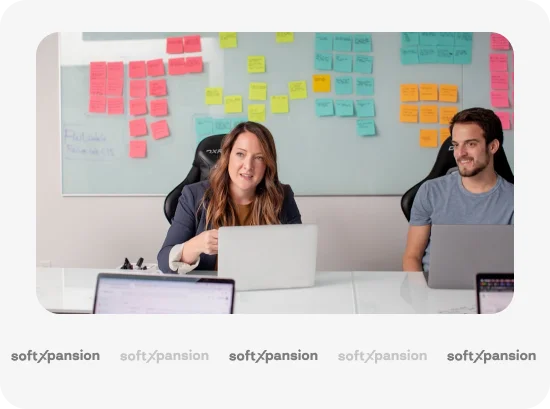
Create a company knowledge base with granted access for all employees. It may consist of standard documents' templates, reference documents, training materials, guides, video/audio files, photos, or any other necessary information providing comfortable work. The solution completely automates the life cycle of documents (creation, approving, publication, recalling) and provides 24/7 access. All of this will guarantee the opportunity for employees' remote work with information. In addition, the solution's flexible integration capabilities (a full-fledged REST API) allow both publishing documents to the knowledge base and accessing documents from external systems
Archive document record-keeping and audit
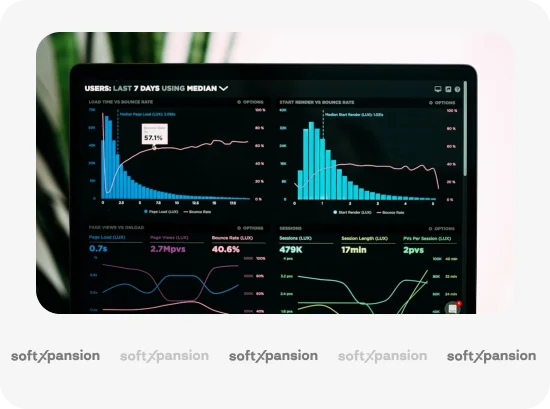
Many companies have a periodic need to track the record-keeping of documents, assess their completeness, and their reference with existing rules and terms of document archive storage. Thanks to the systematized storage of documents and complete information about the document life cycle, being in the electronic archive, any record-keeping can be done pretty quickly, without a lot of costs, and anytime. Our system supports the creation of archive electronic documents integrity verification act with an audit of the document's QES verification status. You will be able to record the place of physical storage, the responsible person and the division, control the document terms of storage and destruction, as well as the processes of original document withdrawal and return. Every case carries its own retention schedule, destruction runs automatically on expiry or by hand and leaves a report, and the access log keeps who opened, changed or destroyed a document, and when. The rules side of this is covered in detail by our records management software.
Archive documents scanning, recognition and search
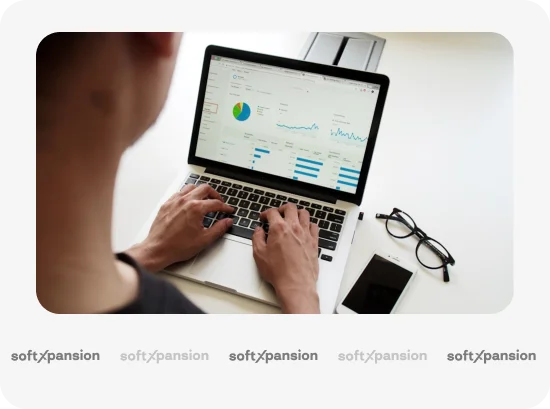
You will no longer have to spend a lot of time adding documents, volumes, or files to the archive. Automatic electronic document import into the system, including documents with a digital signature, significantly speeds up the process of filling the archive. Our module scan&recognition module allows you to automate scanning paper documents due to the support of streaming scanning and printing of QR/barcodes. Thanks to the high-quality document recognition function and capability of verification, scanned electronic documents are much easier to find, unlike paper ones. This is helped by a full-text search by document content and filters which will allow you to get the required output. As a result, the speed of entering any data type will greatly increase, the efficiency of searching for any size and format (PDF, JPEG, TIFF) documents will multiply, and archive division employees will get some unleashed time for more meaningful work
Connect integrations
Five ways the archive connects to what you already run.
-
softXspace platform
With the help of the softXspace platform capabilities, you can transform your everyday routine work, automate processes and create a modern information space in a short time with minimal costs. Our Low Code tools for the personal development of business processes without programming will allow you to quickly build individual forms, cards, and many more
-
softXspace product line
You can quickly integrate our ready-to-go products with a document workflow system, contract automation, procurement management, etc. Powerful open API (REST, SOAP, a full-fledged CMIS standard implementation) allows you a rapid integration of the product into the company information space
-
Third-party systems
Establish a unified integrated IT infrastructure due to the ability to combine the product with third-party systems: ERP, ECM, DMS, internal portals, The ability to integrate with accounting systems and CRM (Dynamics 365, SAP, Salesforce), automated banking systems, or other systems that support integration abilities
-
Cloud and online services
Ability to integrate with Microsoft 365 services (Outlook, Teams, OneDrive, SharePoint, Microsoft Exchange, Word, Excel, Power BI, etc.), Google (Drive, Document, Gmail, Calendar, Meet, etc.). Integration with services of electronic signing, online sites of legally significant document workflow, counterparty verification services, etc.
-
Document signing services
Provide a full-fledged legally significant document workflow thanks to the integration of document signing services (use keys of most popular Ukrainian TSP, Diia Sign, digital signature service (DSS), Adobe Sign, DocuSign, and others). Ability to net/cloud storing of keys and rich functionality of signatures visualization



Low-code, no-code and AI platform for large business and government
- 14 ready modules: documents, contracts, archive, HR, portals
- Your own processes and forms without code
- Reports and dashboards on processes and KPIs


Documents, contracts, CRM and a counterparty portal inside Microsoft 365
- Native in SharePoint and Teams
- Start in 1 day from Microsoft Marketplace
- Per-user licensing, 30 days free
Document flow and archive 4
Document management, contracts and e-archive for Microsoft 365
Inbound, outbound and internal document flow, contract management and e-archive

Document Automation
Generate documents from templates and automate document workflows
 Archive
Electronic Document Archive
A versatile system for the reliable, controlled, and managed storage of electronic documents
 Business
Document Management Software
A modern system for end-to-end document lifecycle management and automation of the process of managing documents
We use only modern and proven technologies
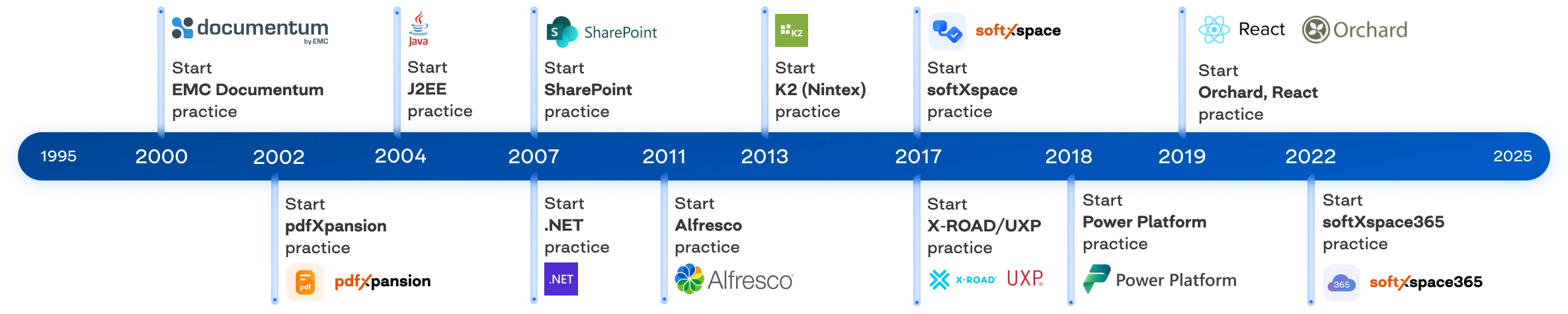
Besides our ready-to-go products and solutions, we offer a full range of individual development, implementation, and support services. Our technical teams are provided with high-qualified experts, and regarding our clients' requests we propose developing on such modern platforms and related technologies: Alfresco Community Edition, Nintex K2, Microsoft 365 (Power Platform, Azure, SharePoint, Teams), OpenText Documentum, softXspace, pdfXpansion, OrchardCore
Our clients
Ranks second in the TOP-20 most reliable banks in Ukraine
One of the leaders in the banking system of Ukraine
Part of the Procredit Holding AG group of companies (Germany)
Ukrainian Commercial Bank
Ukrainian Commercial Bank
Supplier of gas for industrial, communal and household purposes
One of the leading banks in the Republic of Kazakhstan

Local self-government body
See it on your own archive
The quickest way to judge document archiving software is to see it on your own documents: your file plan, your terms, your disposal evidence. Book a demonstration and we will run it on your categories of cases and your retention terms, not on a sample database.
- Your file plan and the terms you actually have to keep
- Destruction and transfer shown end to end, report included
- On your own servers or in Azure in your region
What's new?

How to Archive a SharePoint Site Without Losing the Rules
How to archive a SharePoint site: what Microsoft 365 Archive does, the four options available, and why retention is a separate decision from storage.
Document Lifecycle Management: Six Stages, One Owner Each
Document lifecycle management explained: the six stages a document passes through, who owns each one, and where handovers between them usually break.
Document Version Control: Rules That Survive Real Work
Document version control explained: why file names fail, what check-out and a version history actually give you, and how to keep one authoritative copy.
How to Write a Document Retention Policy That Holds
How to write a document retention policy: what goes in it, how long to keep things, who signs disposal, and the mistakes that make a policy unusable.
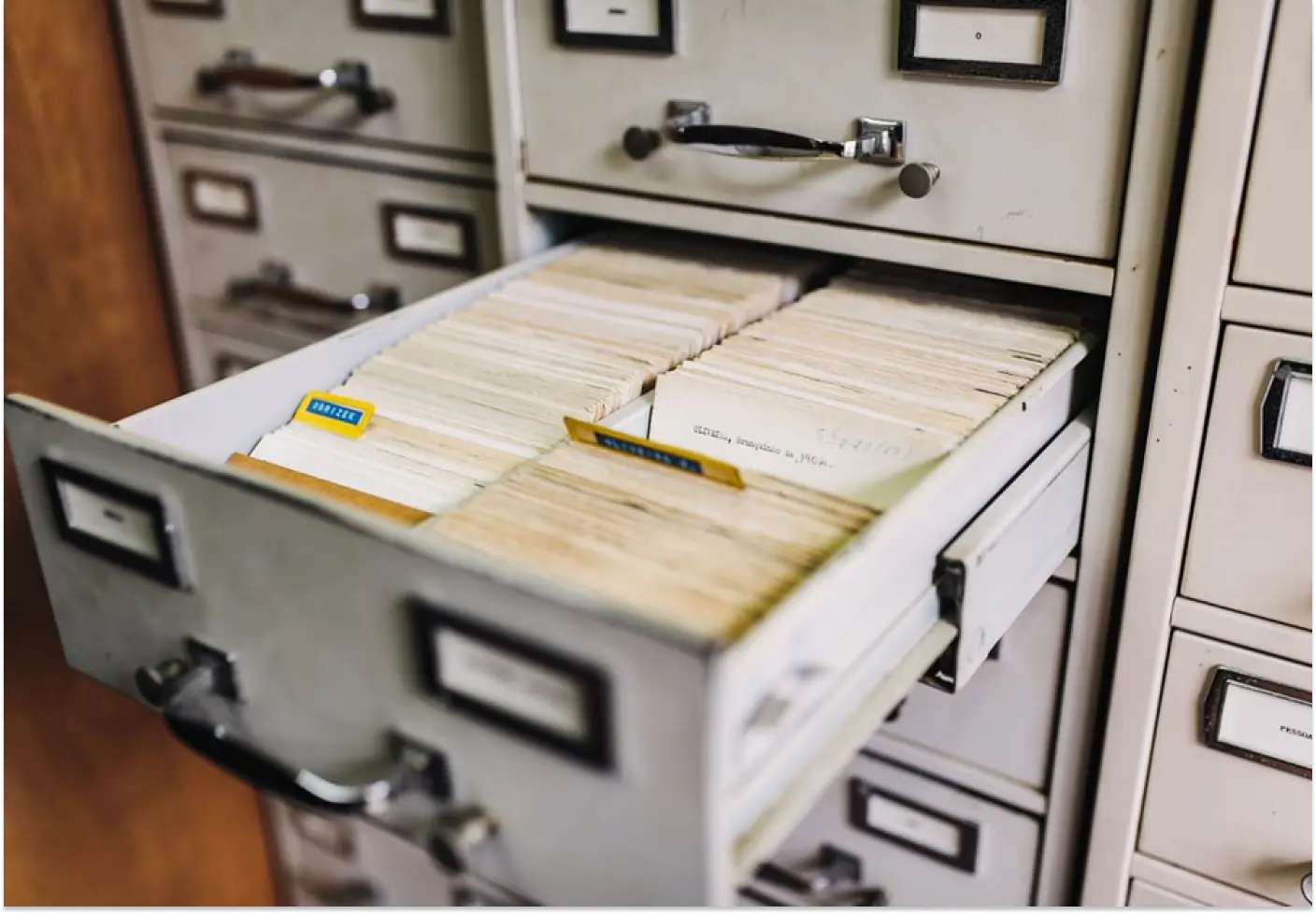
What Is Document Archiving? File Plans, Terms, Disposal
Document archiving explained: what it is, how it differs from document management, and what a document archiving system has to do with terms and disposal.
Digital HR Document Management for the Largest Retail Chain
How the largest Ukrainian retail chain Avrora digitized HR document workflows with softXspace – QES, ERP integration, 1300+ stores.
Banking Processing Automation and Centralisation
Streamline your banking operations with soft Xpansion's Low-Code/No-Code solutions. Manage documents, automate lending processes, optimize board meetings, and centralize data storage with eArchive and Back Office modules.
Document Management on a modern Low-Code/No-Code platform
Low-Code/No-Code platform for enterprise process automation offering solutions like contract management, document handling, centralized eArchive, B2B collaboration, and integration with CRM, ERP, and other services. Features include automated workflows, template-based document creation, and digital signatures